
Help Centre
Everything you can do with ScaleReach
Every guide below is written against the live product and shows the screen you will actually be looking at. Start with the first run if you have not made a clip yet.
Getting started
Set up a workspace and turn your first video into clips.
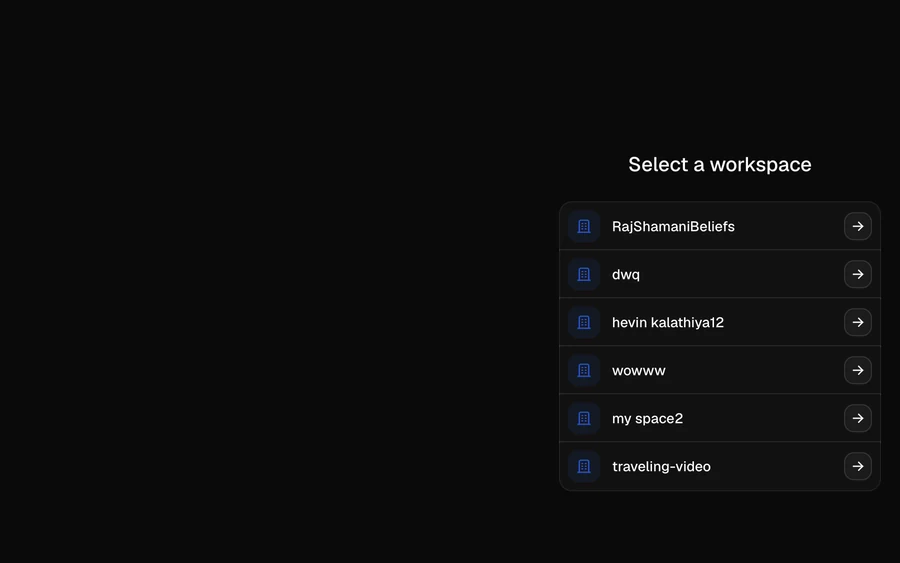
Create a workspace
A workspace holds your videos, clips, brand kit and connected social accounts. Here is what it is for and when to create a second one.
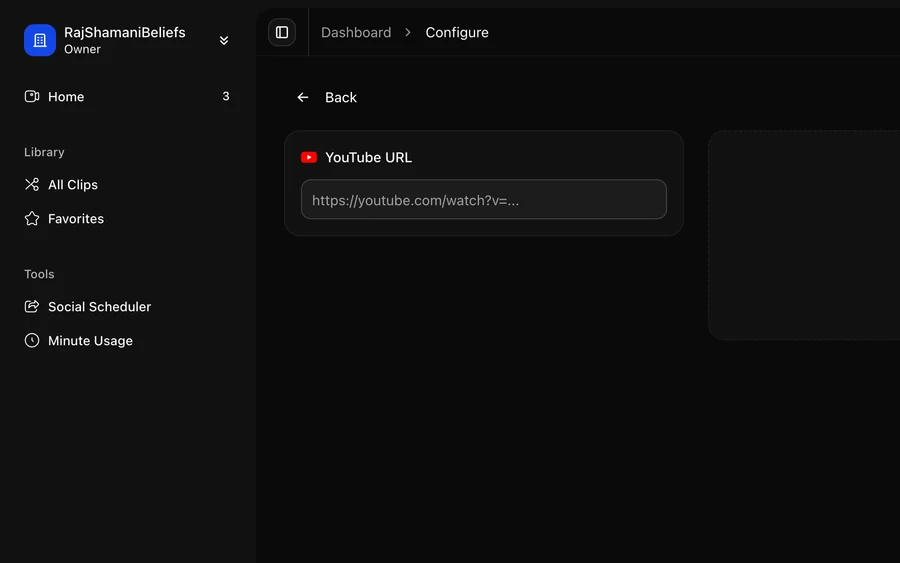
Turn your first video into clips
Paste a YouTube link or upload a file, choose the aspect ratio and caption style, and let the AI pick the moments worth clipping.
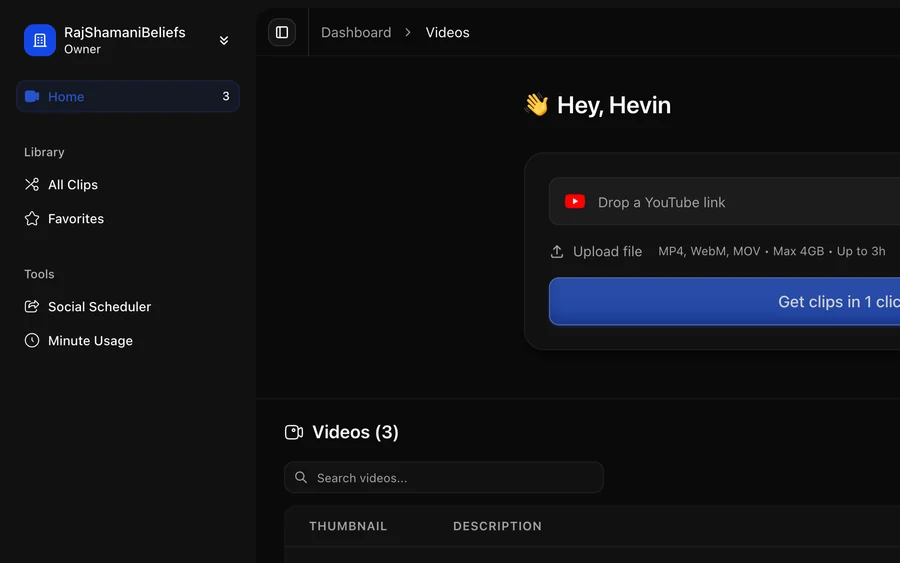
What happens during processing
The four stages between submitting a video and getting clips back, how long each takes, and what the dashboard shows while you wait.
Clips and editing
Review what the AI found, then edit captions, framing and layout.
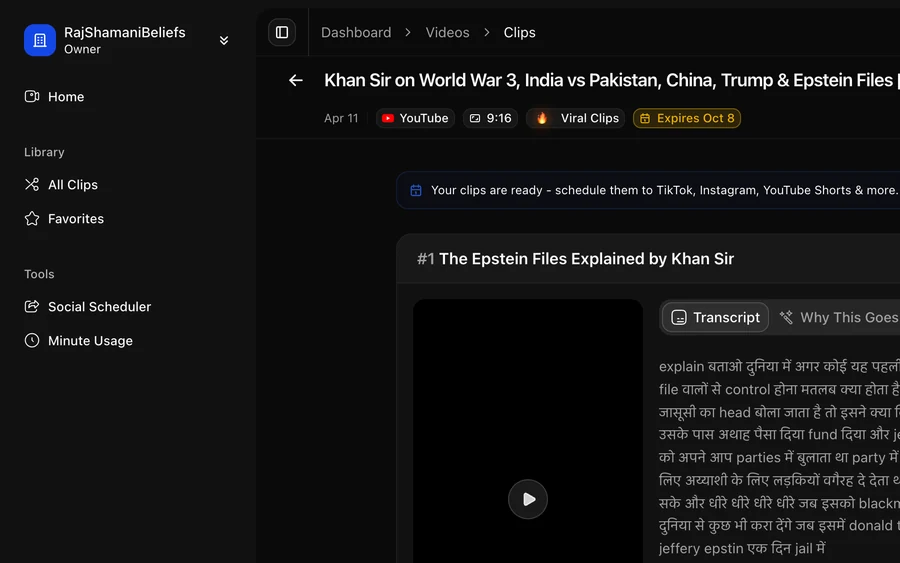
Review the clips from a video
What the viral score means, how to read it honestly, and how to pick which clips are worth posting.
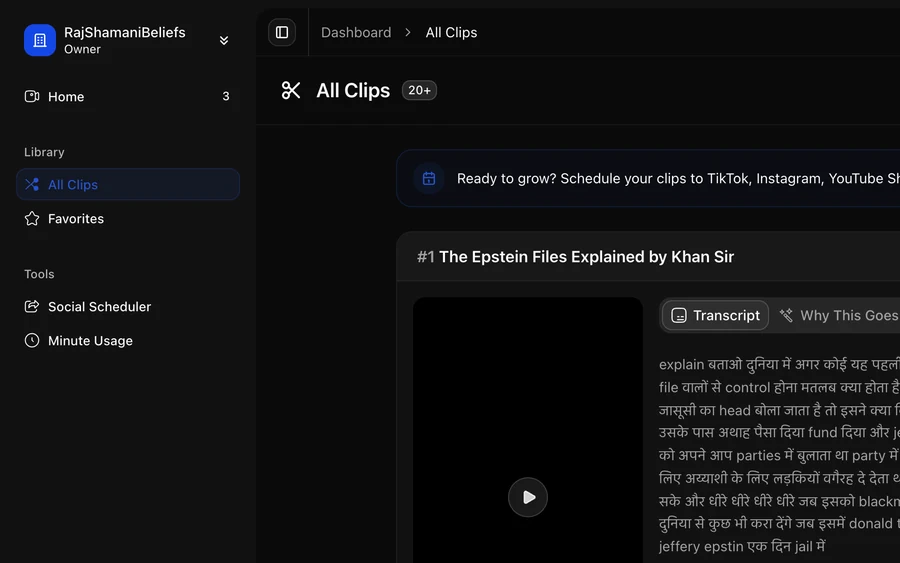
Find clips in your library
The library holds every clip across every video in the workspace. Filter it, favourite from it, download, and share a clip with someone who has no account.
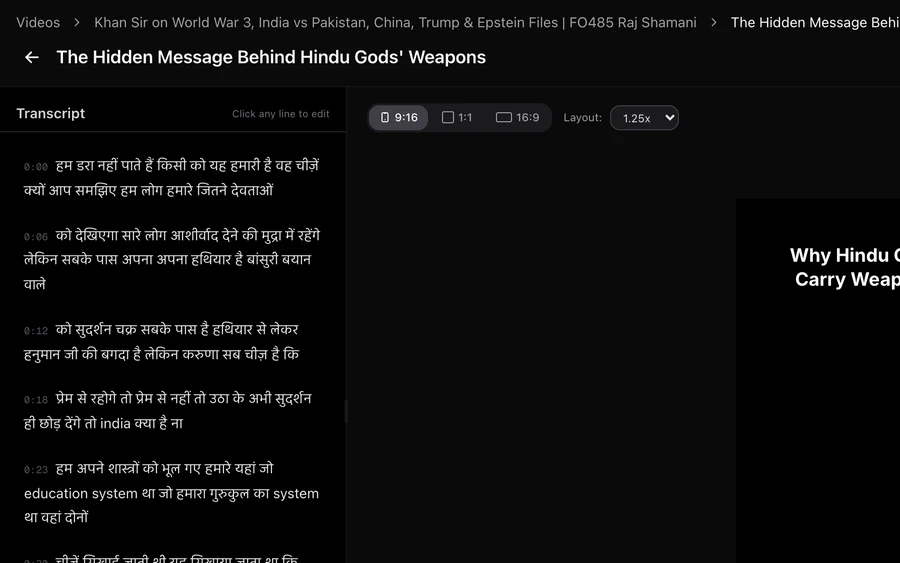
Edit a clip
Fix the framing, correct captions, change where the clip starts and ends, and add hooks, text or images over the video.
Publishing
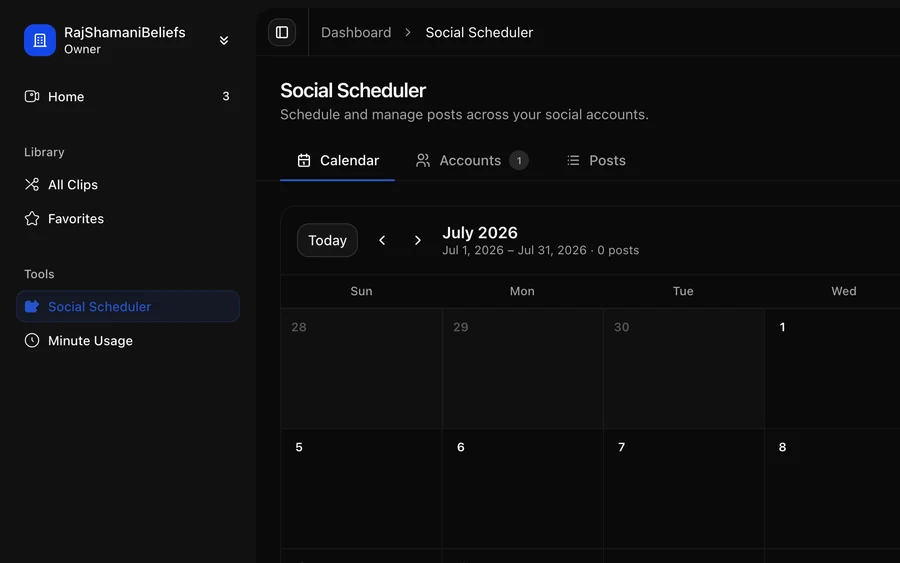
Connect social accounts and schedule clips to go out.
Account and billing
Minutes, plans, members, API keys and security.
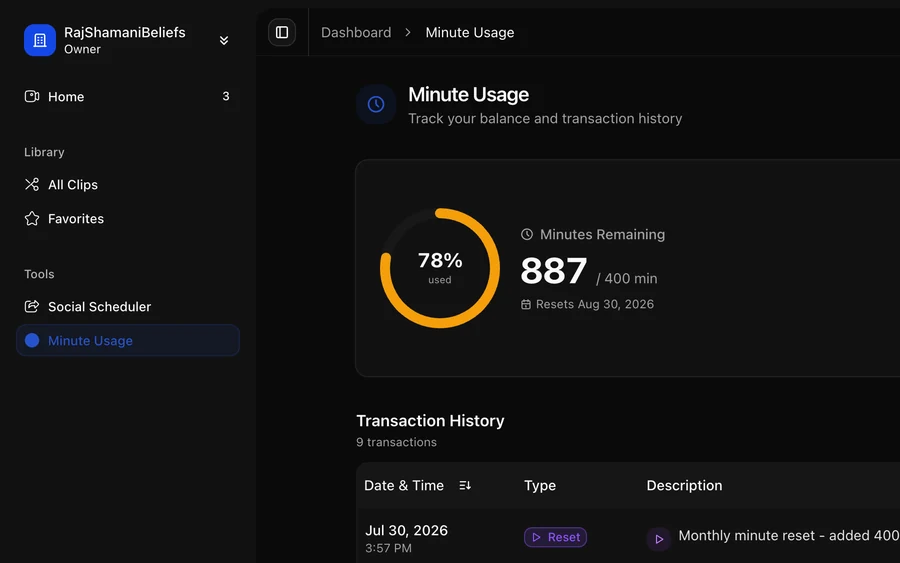
How minutes work
What gets metered, what does not, and how to read your balance and transaction history.
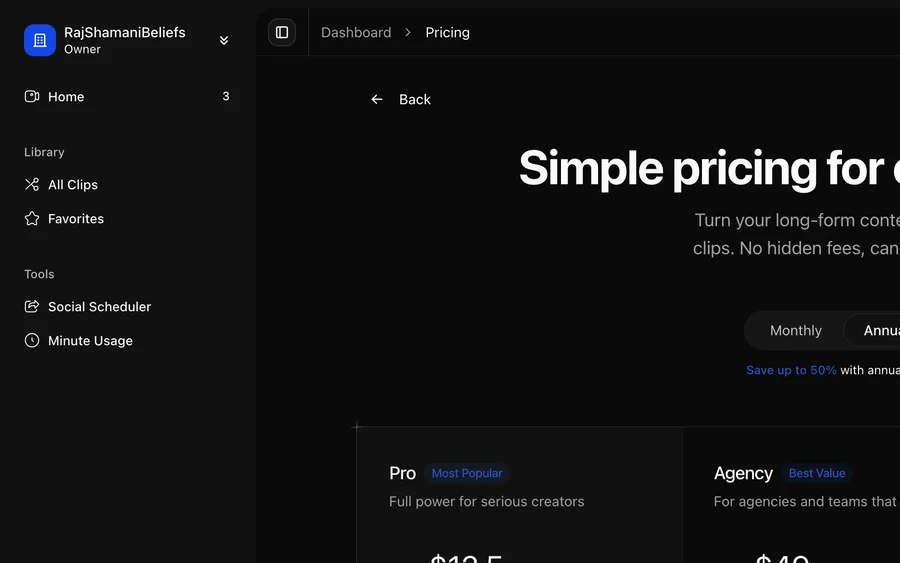
Plans and billing
How plans differ, switching between them mid-cycle, and where to find invoices and your payment method.
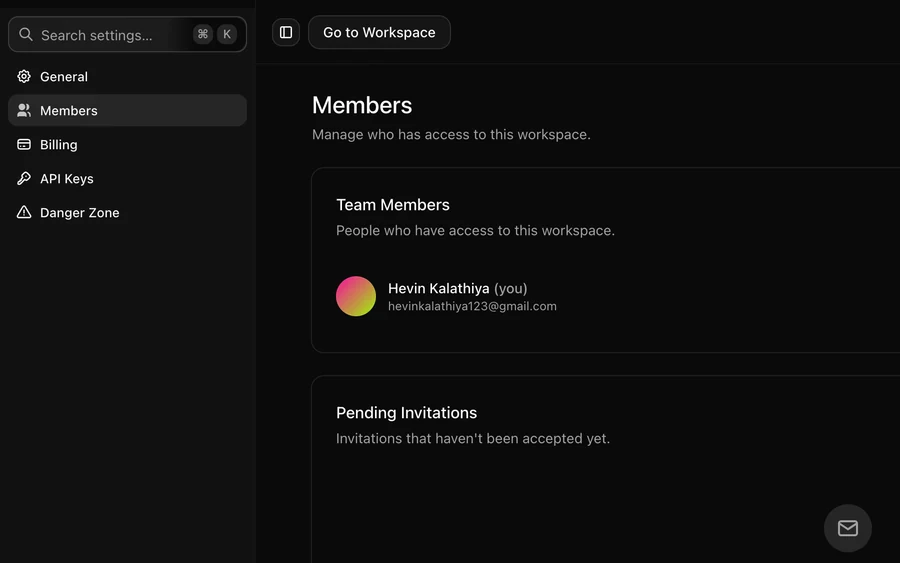
Workspace settings and members
Rename a workspace, set the brand kit, invite teammates, and understand what an invited member can reach.
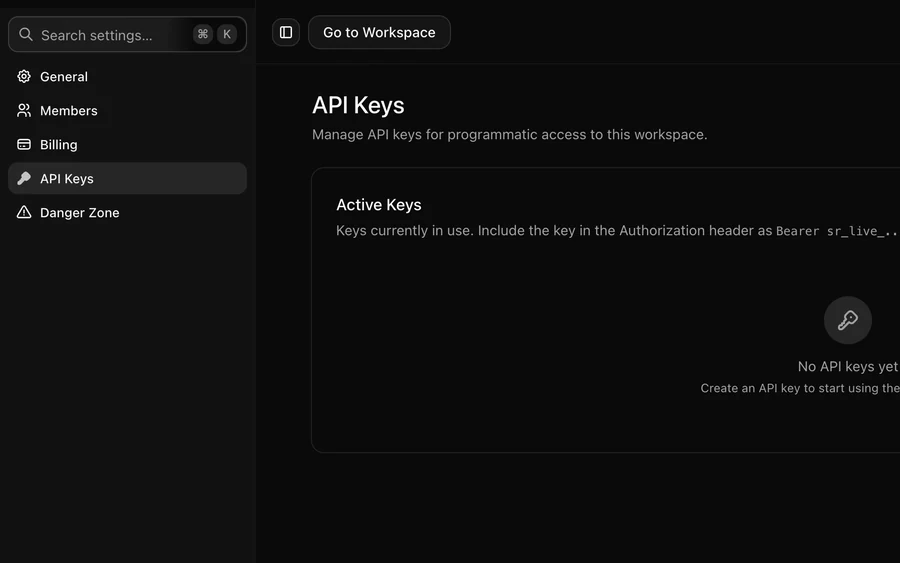
API keys
Create a key to drive ScaleReach from your own code or from an AI assistant, and revoke one safely.
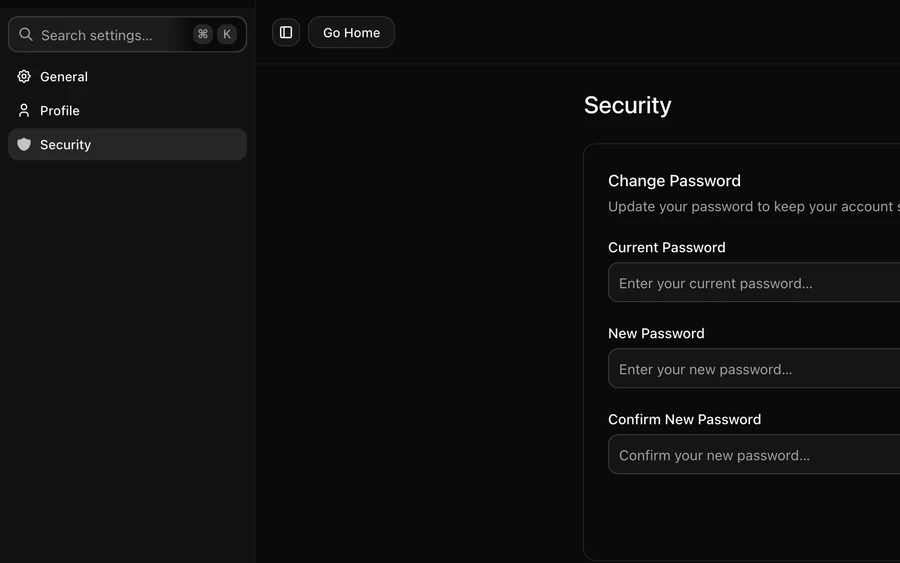
Account and security
Your profile, password, two-factor authentication and passkeys — the settings that follow you across every workspace.
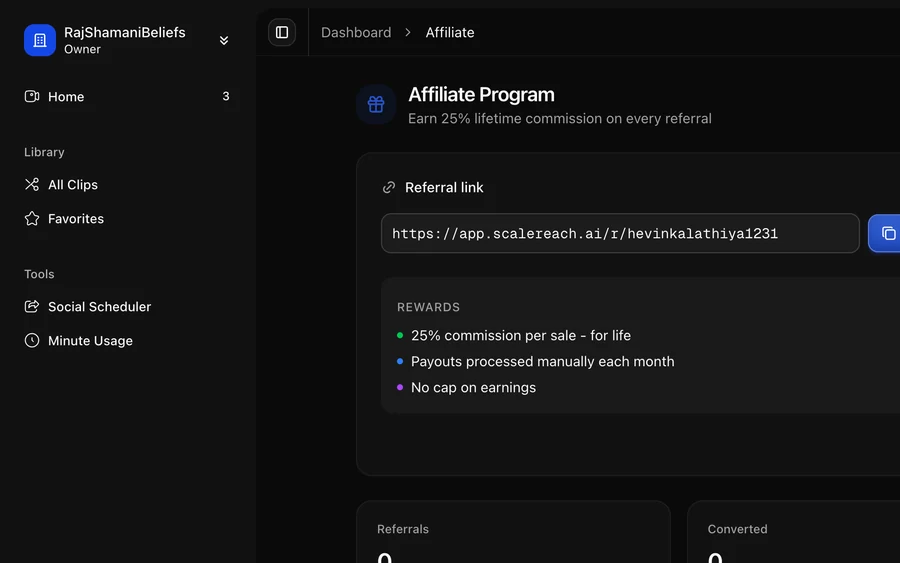
The affiliate programme
Get a referral link, track signups and payouts, and know what counts as a qualifying referral.
How the ScaleReach help centre is organised
Each guide covers a single task and shows the exact screens you will see in the app. Start with getting started to upload a video or paste a YouTube link and generate your first clips. The clips guides explain how to review the AI's picks, edit captions, change the framing and export. The publishing guides cover connecting your social accounts and scheduling posts to TikTok, Instagram Reels and YouTube Shorts, and the account guides cover minutes, plans, billing and API keys. If you cannot find an answer here, use the support options at the bottom of any page.

Get more from every video
No credit card required · Free to start