
Plans and billing
How plans differ, switching between them mid-cycle, and where to find invoices and your payment method.
Updated
Plans differ mainly in how many source minutes you get each cycle, plus export quality and the team and brand features. The free tier includes a monthly allowance so you can put a real video through before paying anything.
For current prices and what is in each tier, see the pricing page — it is the one place those numbers are maintained, so quoting them here would just create a second version to keep in sync.
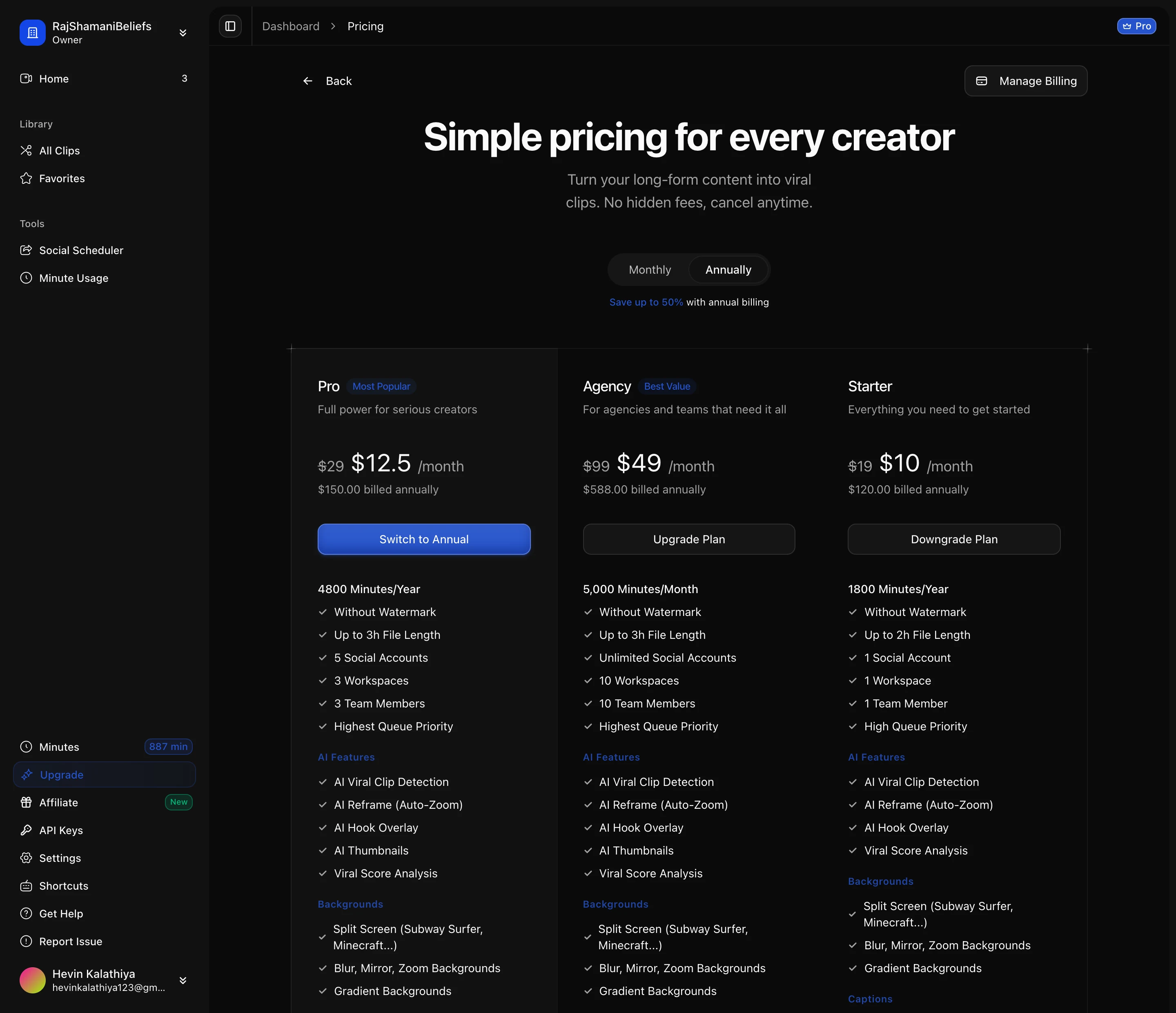
Switching plans
Plans can be changed from inside the app, and you are shown what the change costs before it is applied rather than after. Upgrading takes effect immediately, which is the behaviour you want when you have run out of minutes mid-project.
Minutes are granted per cycle rather than accumulating indefinitely, so the plan to pick is the one that matches a normal month of work — not your busiest month ever.
Annual billing
Annual billing is cheaper per month and grants the year’s minutes up front, which suits an uneven workload: a heavy month followed by a quiet one evens out over a year in a way it cannot within a single month.
Invoices and payment method
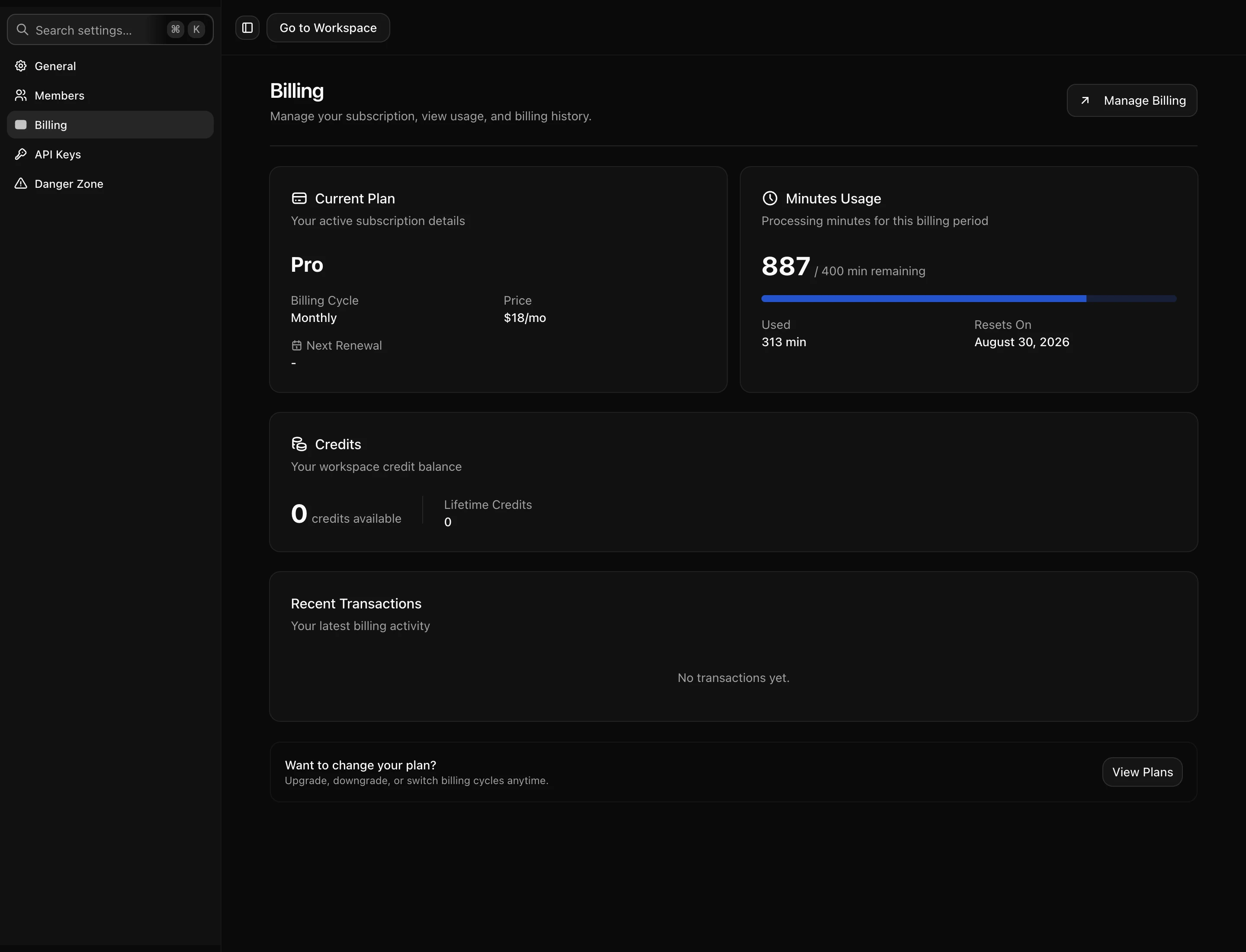
Billing settings hold your invoice history and payment method. Invoices are downloadable for expensing, and the payment method can be updated without touching your plan.
Subscriptions are managed through our payment provider’s portal, which is also where a cancellation is done. Cancelling leaves the workspace and everything in it intact — you keep access to existing clips, you just stop getting new minutes when the cycle ends.
Per-workspace, not per-account
Each workspace carries its own plan and its own balance. If you run several brands in separate workspaces, each one is billed separately. That is worth knowing before splitting work across workspaces for organisational tidiness, because it also splits the bill.