
API keys
Create a key to drive ScaleReach from your own code or from an AI assistant, and revoke one safely.
Updated
An API key lets something other than the web app submit videos and read clips — your own script, a backend job, or an AI assistant through our MCP server.
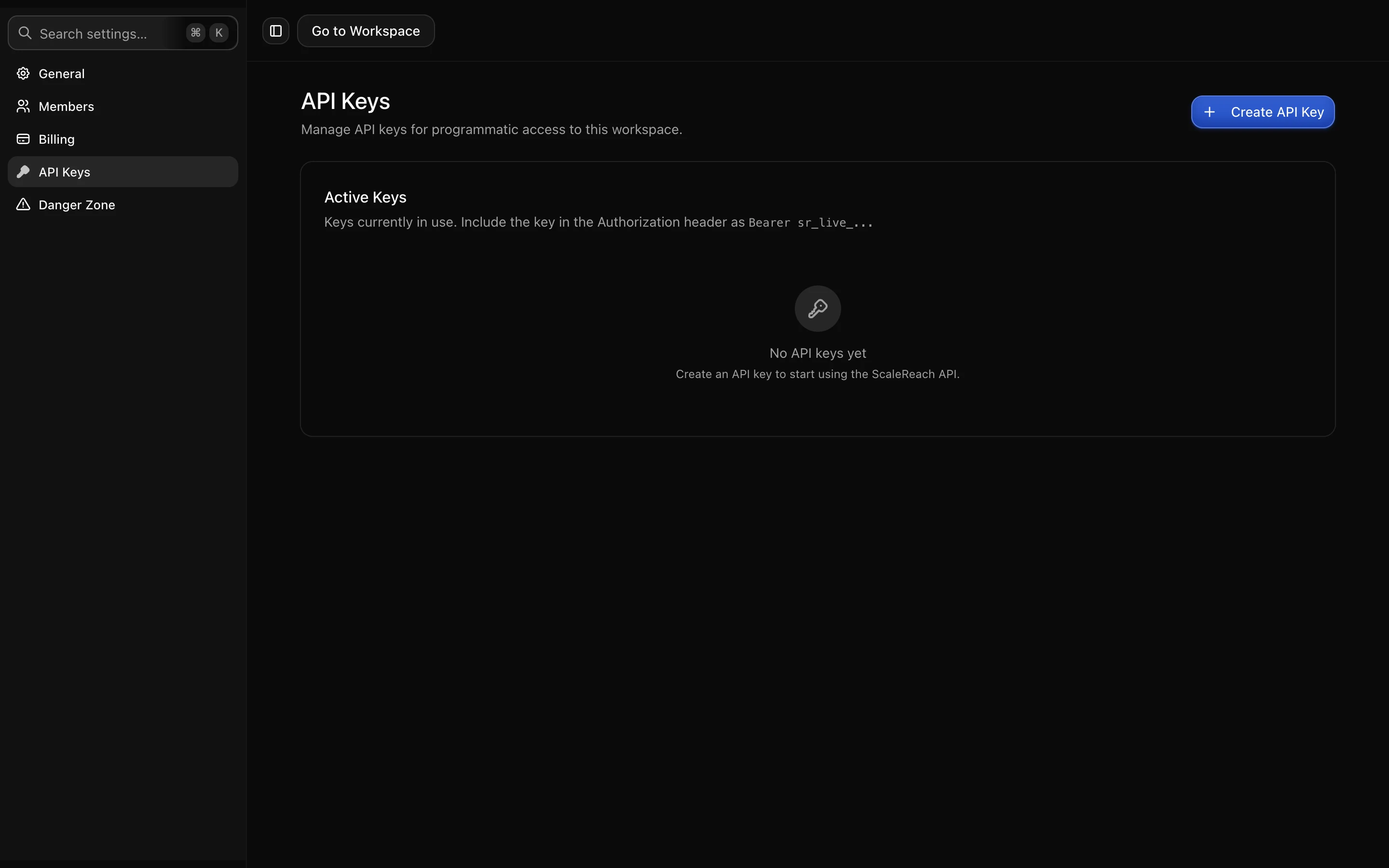
Creating one
Keys are created per workspace and act on that workspace only, which is what makes them safe to hand to an integration: a key for one client’s workspace cannot read another’s.
The key is shown once, when you create it. After that only its prefix is displayed,
so there is no way to recover the full value later. Put it straight into your secret
store or your .env and do not paste it into a shared document.
Revoking
Revoking takes effect immediately and cannot be undone. Anything using that key starts getting rejected, so it is the correct response to a key you think has leaked, and the correct order of operations is: create the replacement, deploy it, then revoke the old one.
The list shows when each key was last used, which is how you work out whether a key is still wired into something before revoking it.
What you can do with it
The API covers the pipeline: submit a YouTube URL, poll a video’s status, list and fetch clips, and read workspaces. That is enough to run clip generation as a scheduled job without anyone opening the app.
Full endpoint reference, request and response shapes, and error codes are at docs.scalereach.ai.
Using it from an AI assistant
ScaleReach has an MCP server, so an assistant like Claude or Cursor can generate clips directly once you give it a key. The setup is on the MCP page, and the same warnings apply: the key it holds can spend the workspace’s minutes, so give it a key scoped to a workspace you are happy for it to act in.
Next: account and security.