
Workspace settings and members
Rename a workspace, set the brand kit, invite teammates, and understand what an invited member can reach.
Updated
Workspace settings cover the things that apply to everything inside it: the name and slug, the brand kit, who has access, and the controls for deleting it.
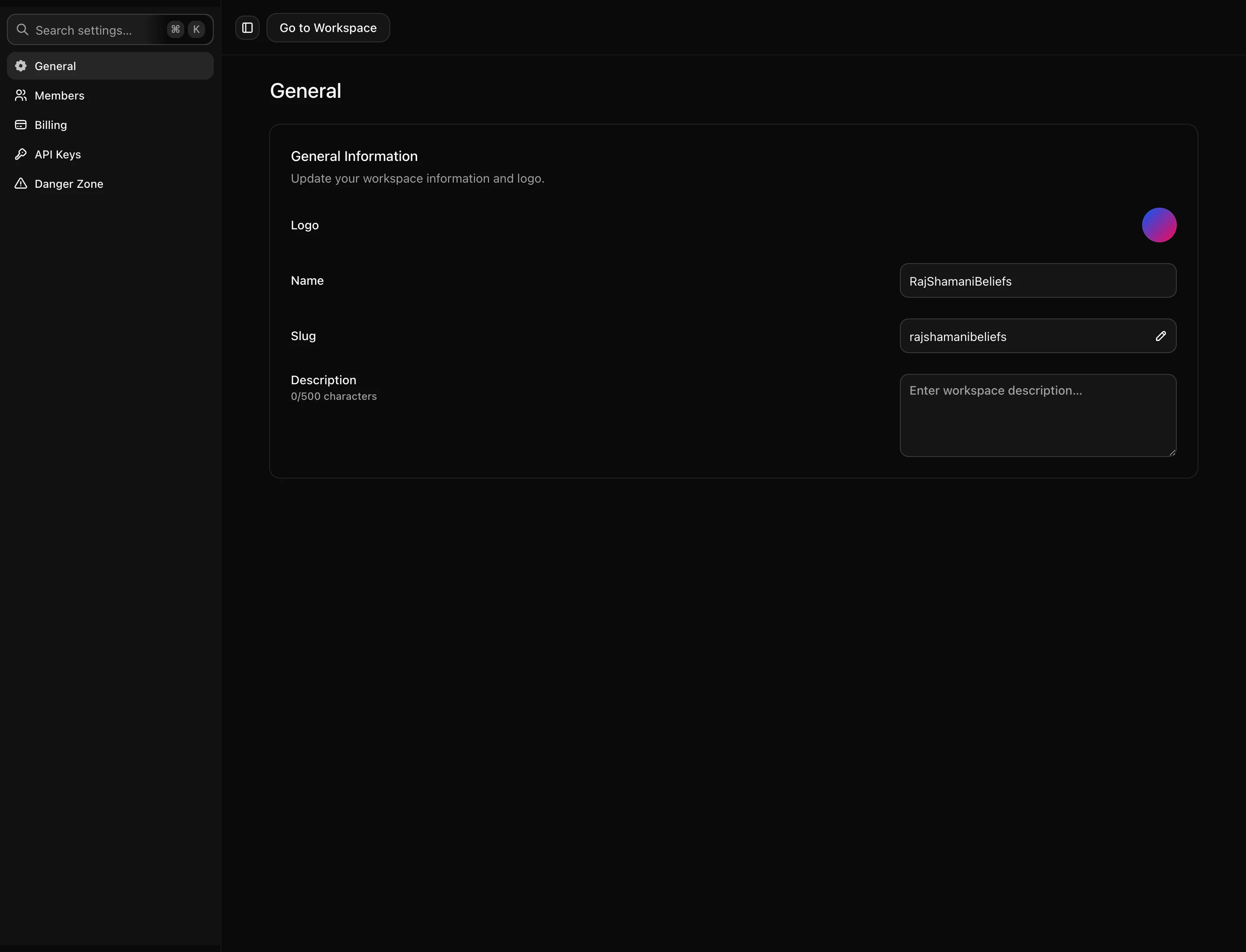
Name, slug and logo
The name is cosmetic. The slug is not: it appears in every in-app URL for the workspace, so changing it breaks links you have already shared with teammates. Worth settling before you start circulating links.
The logo, along with brand fonts and colours, feeds the brand kit so clips come out looking consistent without setting it per clip.
Inviting people
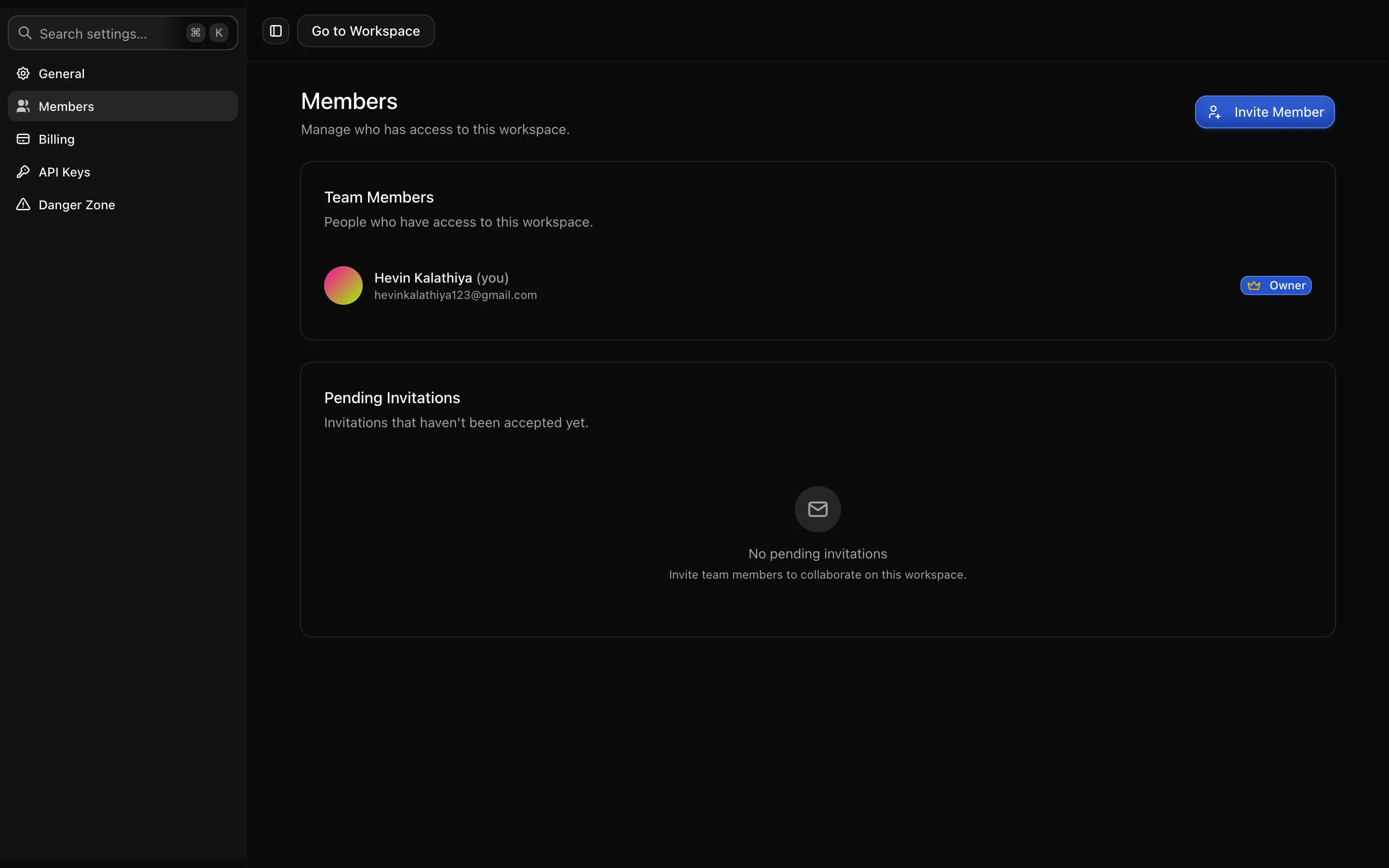
Invitations go out by email and stay listed as pending until accepted, so you can see who has not got round to it. A pending invitation can be resent or revoked, and the invite link can be copied if email is being unhelpful.
An invited member joins that workspace only. They do not get access to your other workspaces, your account settings, or billing beyond what their role allows.
What members share
Anyone in the workspace works from the same videos, clips, brand kit and connected social accounts. In particular they can schedule to the workspace’s connected accounts, which is the point of connecting them at workspace level, but is worth being deliberate about when the accounts are a client’s.
They also draw from the same minutes balance. There is no per-member allowance, so a teammate uploading a two-hour video spends the workspace’s minutes.
Removing someone
Removing a member revokes their access immediately. Anything they created — videos, clips, scheduled posts — stays with the workspace rather than leaving with them.
Deleting a workspace
Deletion is in the danger zone section, separated from everything else on purpose. It removes the videos, the clips and the history, and it is not reversible. If the goal is just to stop paying, cancelling the subscription keeps your clips and stops the billing.
Next: API keys.