
Schedule clips to social
Connect an account, put clips on a calendar, and see what published and what failed.
Updated
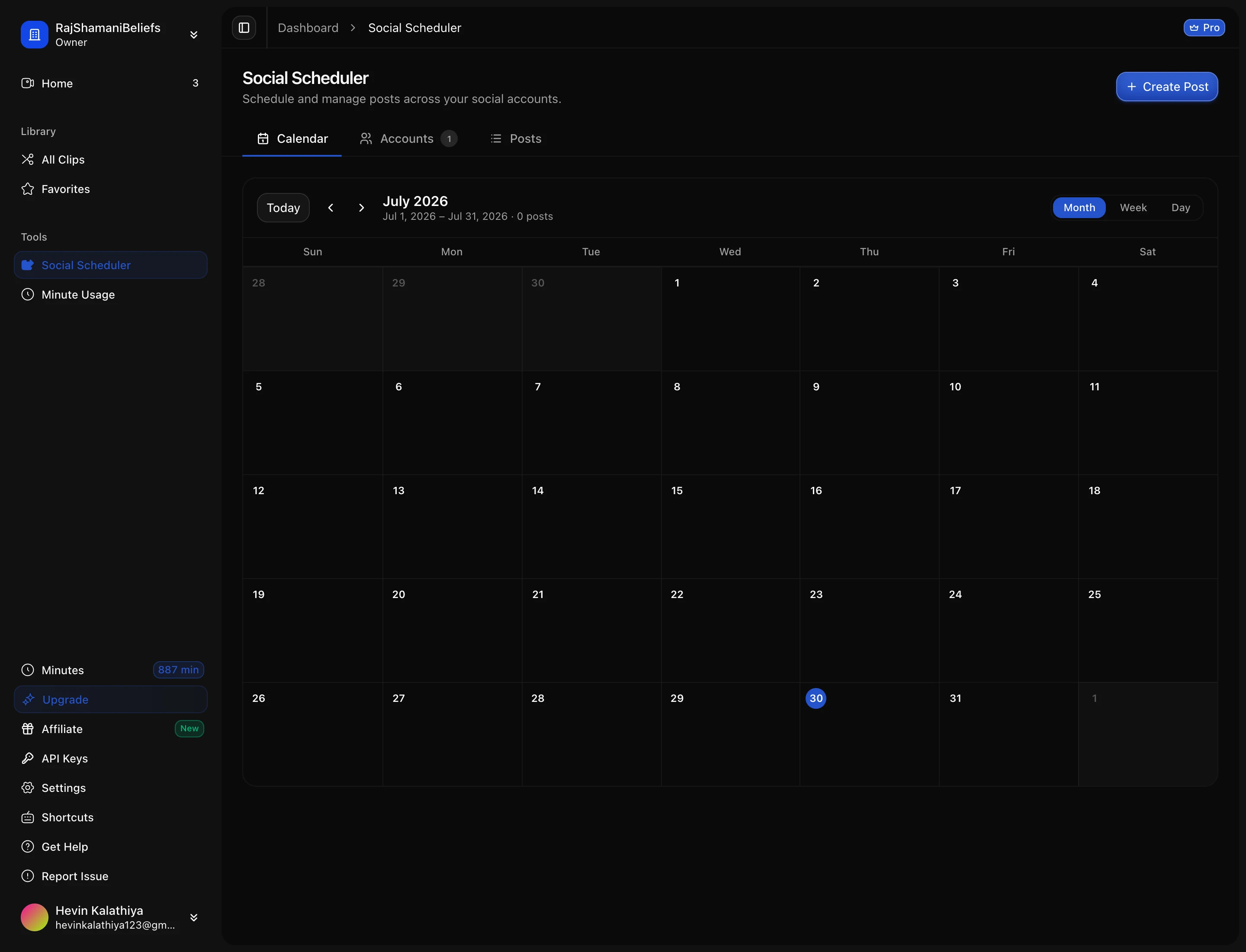
The social section connects your accounts and holds the calendar of what is going out and when, so a batch of clips can be queued in one sitting rather than posted by hand over a week.
Connecting an account
Each platform is connected through its own official login, and the connection belongs to the workspace rather than to you personally — so a teammate with access can schedule to it too, and removing your own account from the workspace does not take the connection with it.
You will need to be an admin of the page or channel you are connecting, which is a platform requirement rather than ours.
Scheduling a post
Pick a clip, pick the accounts, write the caption, choose a time. The same clip can go to several platforms in one action, and each platform gets its own caption — worth using, because the caption conventions genuinely differ between a Short and a Reel.
You can also upload media directly here rather than posting a generated clip, which is useful when something was edited elsewhere and you just want it in the same queue.
Checking what actually went out
The calendar shows the state of every post, and this is the part worth actually checking. Publishing depends on the platform’s API accepting the video at the moment your slot comes up, and that can fail for reasons that have nothing to do with your clip: an expired connection, a permission changed on the platform side, a rejected video format.
A post that fails is shown as failed and can be retried without rebuilding it. What it does not do is silently disappear, so the calendar is a reliable record.
Two habits that save trouble:
- Reconnect accounts when a post fails on authorisation. Platform tokens expire, and the fix is a reconnect rather than a retry.
- Confirm the first post to a new account landed. Check the platform itself for the first one. After that the connection is proven and the calendar is enough.
Next: how minutes work.