
What happens during processing
The four stages between submitting a video and getting clips back, how long each takes, and what the dashboard shows while you wait.
Updated
Once a video is submitted you can leave the page. Processing runs on our workers, not in your browser, so closing the tab does not cancel anything.
The four stages
- Fetch. For a YouTube link the video is downloaded server-side. For an upload, this stage is already done by the time the file finishes transferring.
- Transcribe. The audio is turned into a timed transcript. This is what everything downstream depends on — captions, moment detection and translations all read from it.
- Find the moments. The transcript is analysed for self-contained segments with a beginning and an end, and each candidate gets a score.
- Render. Each clip is cut, cropped to your aspect ratio, captioned, and uploaded to storage so it can stream.
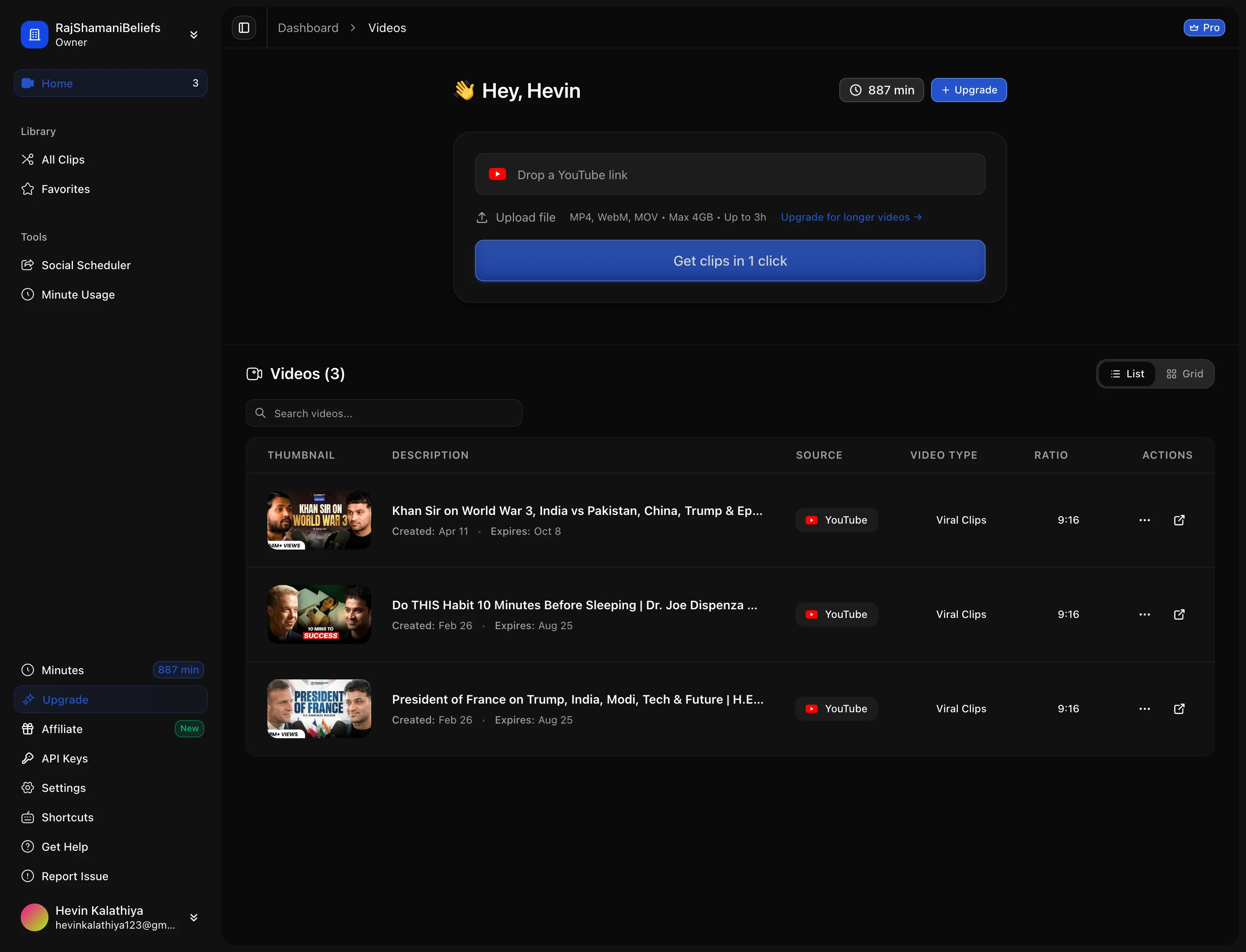
The dashboard shows each video with its current status, so a video that is still working is visibly distinct from one that is finished. Clips appear as they complete rather than all at once at the end.
How long it takes
Rendering dominates, and it scales with how many clips came out of the source rather than with the length of the video. A short video that yields three clips finishes faster than a long one that yields fifteen, even though the transcription step is shorter for the first.
Longer sources naturally produce more candidate moments, so a feature-length podcast takes meaningfully longer than a ten-minute video — not because any single stage is slow, but because there is more to render at the end.
If a video gets stuck or fails
A failed video shows as failed rather than sitting on a spinner forever. The two common causes are a YouTube fetch that got blocked, and a source with no usable speech — a video that is mostly music or silent gameplay gives the transcript nothing to work with, so there are no moments to find.
Silent footage is a real limitation rather than a bug: moment detection reads the transcript, so gameplay with no commentary is invisible to it. Those videos need captions or commentary on the source before clipping will produce anything useful.