
Turn your first video into clips
Paste a YouTube link or upload a file, choose the aspect ratio and caption style, and let the AI pick the moments worth clipping.
Updated
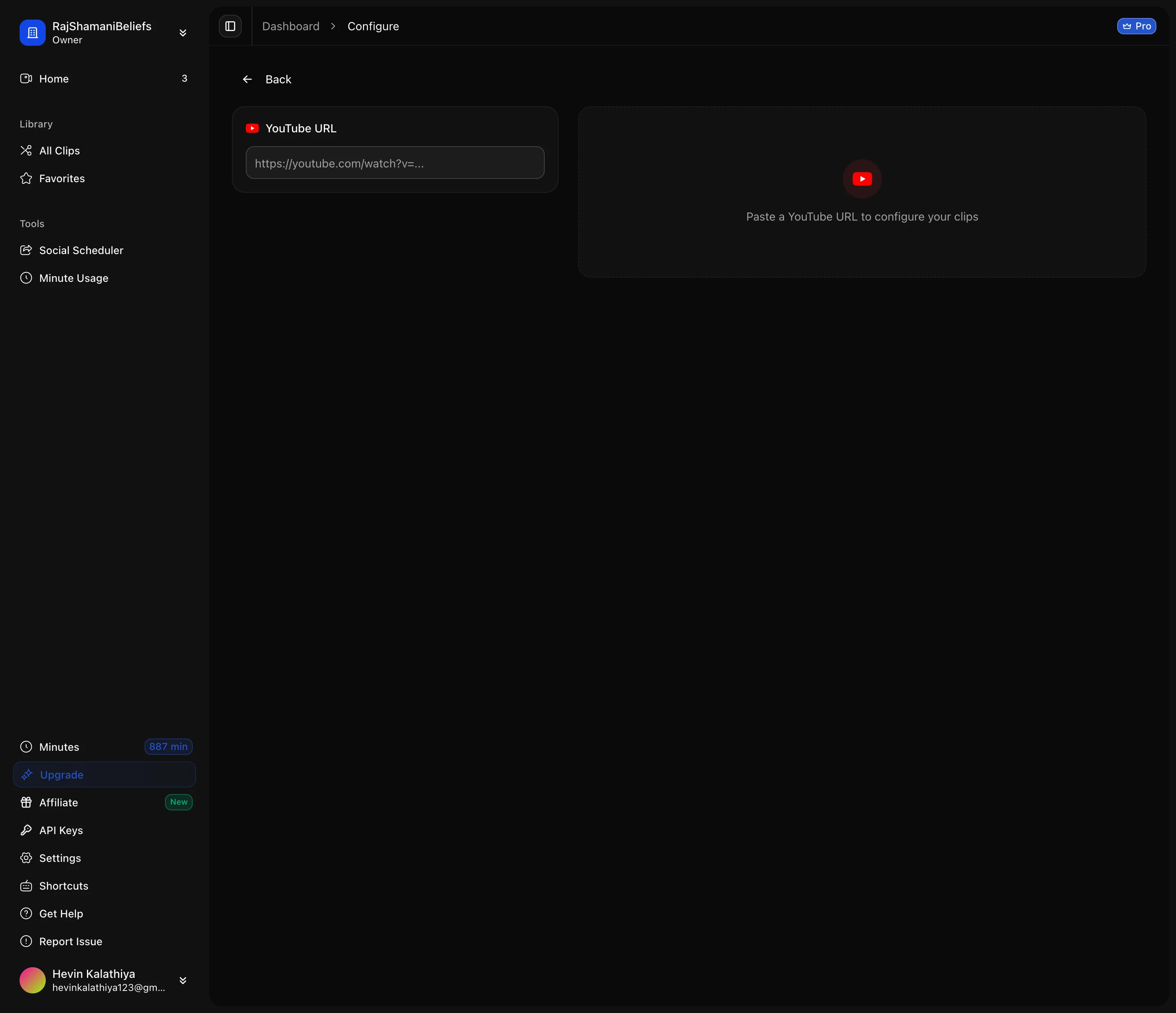
There are two ways in: paste a YouTube URL, or upload a video file from your machine. A YouTube link is the faster path because nothing has to leave your computer — ScaleReach fetches the video server-side.
The URL is validated as you type, so a malformed link is caught before you spend any minutes on it.
The options that matter most
Aspect ratio. 9:16 for TikTok, Reels and Shorts; 1:1 and 16:9 are there for feeds and for keeping the original framing. Pick this before generating, because it decides how the AI crops every clip.
Captions. Captions are burned into the video rather than added as a separate track, which is why the font choice is made here and not afterwards. There is a wide set to choose from, including the display faces that read well on a phone — Anton, Bebas Neue, Bangers, Montserrat, Poppins, Oswald, Titan One — plus serif and script options like Playfair Display, Lora and Allura for a softer look.
Auto Hook. Adds a text hook over the opening seconds, which is the part of a short that decides whether anyone keeps watching.
AI Thumbnail. Generates a cover frame for the clip.
What actually gets generated
The AI reads the transcript, finds self-contained moments, scores them, and renders each one as a finished vertical video with captions and framing applied. You are not picking timestamps yourself — you review what it found and adjust from there.
Two things to expect, so they are not a surprise:
- Talking-head footage works best. A single speaker facing the camera is the case the crop and caption pipeline is tuned for.
- Screen recordings do not survive a vertical crop well. A slide deck or a shared screen loses most of its content when squeezed to 9:16. Keep those in 16:9.
If a YouTube link fails
YouTube sometimes flags automated downloads, and you will see a bot-detection error rather than a silent failure. It is not tied to your account or your plan. Retrying usually clears it; uploading the file directly always does.