
Account and security
Your profile, password, two-factor authentication and passkeys — the settings that follow you across every workspace.
Updated
Account settings are separate from workspace settings, and the distinction matters: these follow you across every workspace you belong to, rather than applying to one.
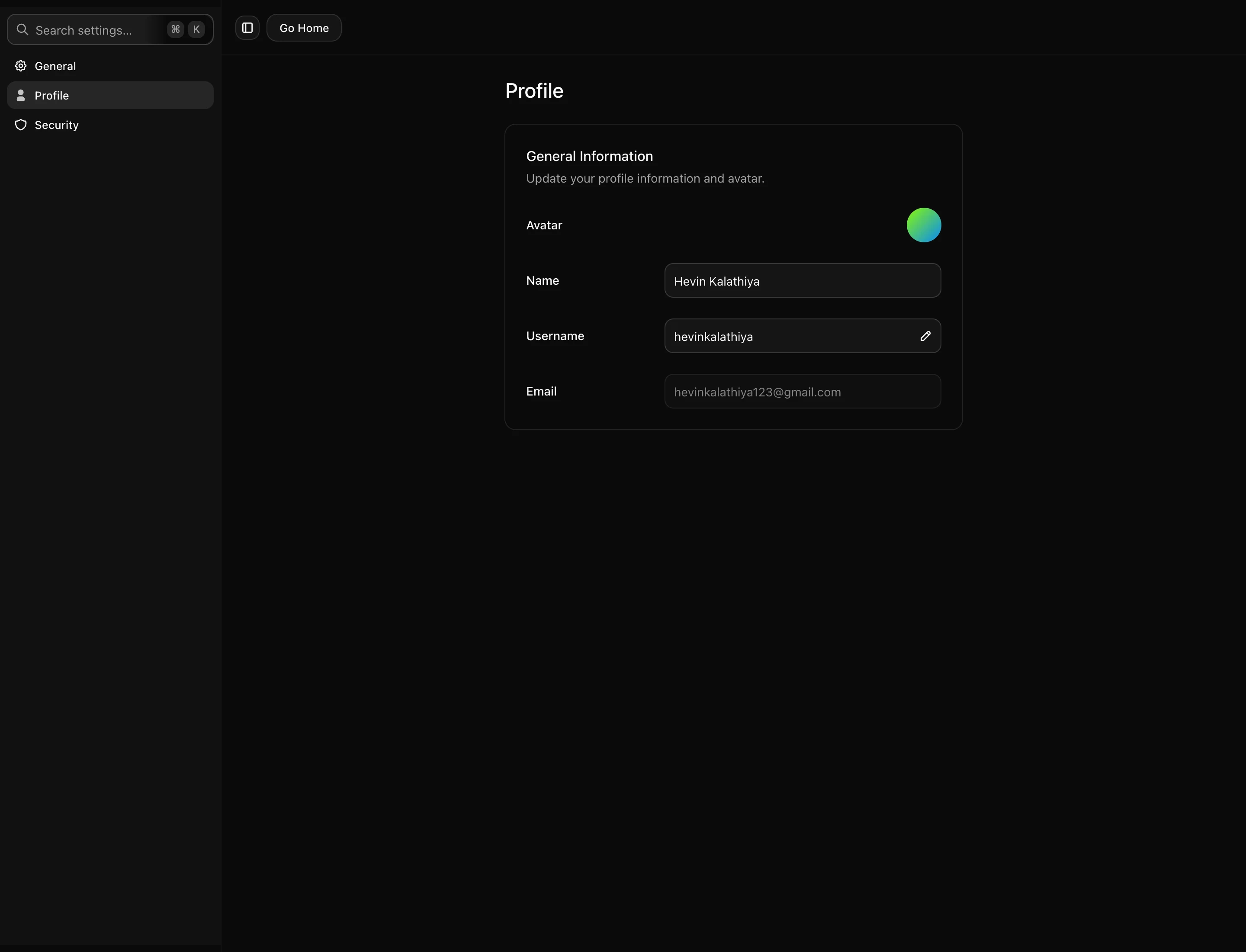
Profile
Name, username and avatar are here. The username is worth setting because you can sign in with it instead of your email address — the login field accepts either.
Password and sign-in methods
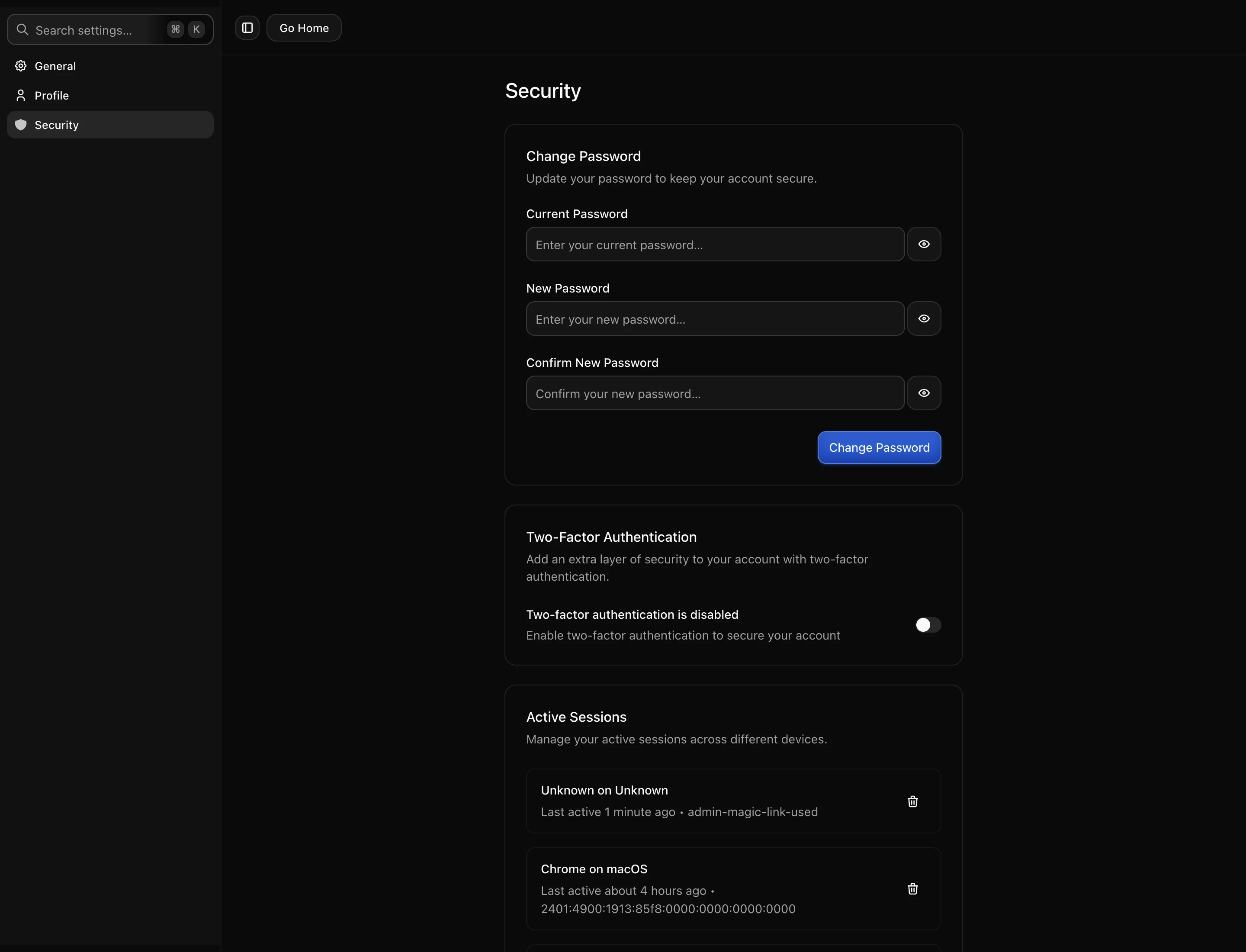
You can sign in with a password, with Google, or with a magic link sent to your email. These are not exclusive: an account created through Google can have a password added later, which is worth doing so you are not locked out if the Google connection has problems.
Two-factor authentication
Enabling 2FA adds a code from your authenticator app after the password step. Turn it on if your workspace has billing attached or teammates who depend on it.
Save the recovery codes somewhere that is not your phone. If you lose the authenticator and have no codes, recovery means proving ownership of the account through support, which is slow by design.
Note that 2FA applies to the password flow. If you also sign in with Google, that path is governed by Google’s own protections.
Passkeys
Passkeys let you sign in with Touch ID, Face ID or a hardware key instead of a password. They are resistant to phishing because there is no secret to type into the wrong site.
Sessions
Signing out from a device you no longer have ends its access. Worth doing after losing a laptop or phone, and worth knowing that it does not affect API keys — those are revoked separately, on the API keys screen.
Deleting your account
Account deletion is distinct from deleting a workspace. If you are the only member of a workspace, removing your account removes access to its content, so export anything you want to keep first.
Next: the affiliate programme.